Hi Rebecca
Thanks for the reply. Yes please, keep us informed.
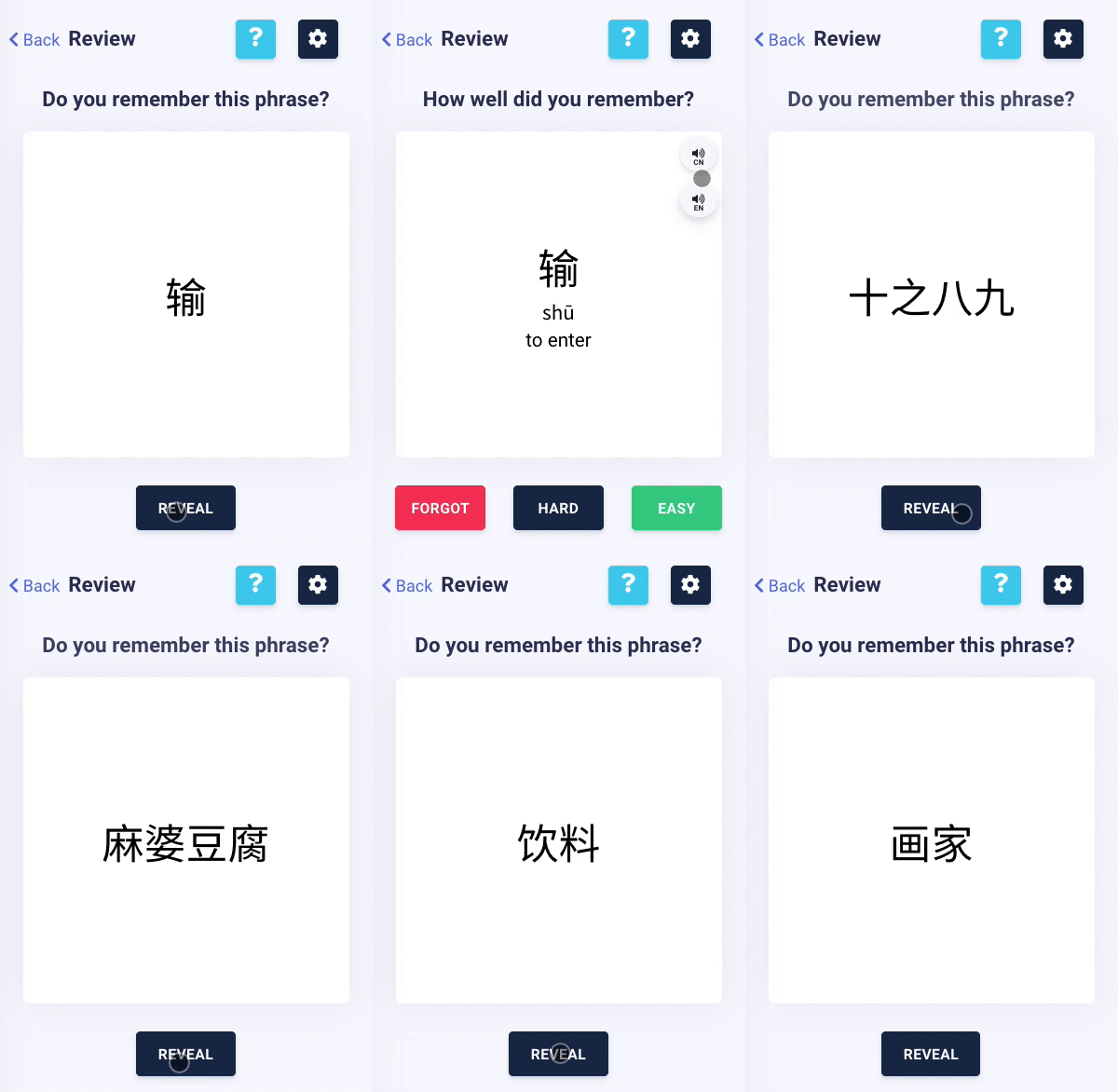
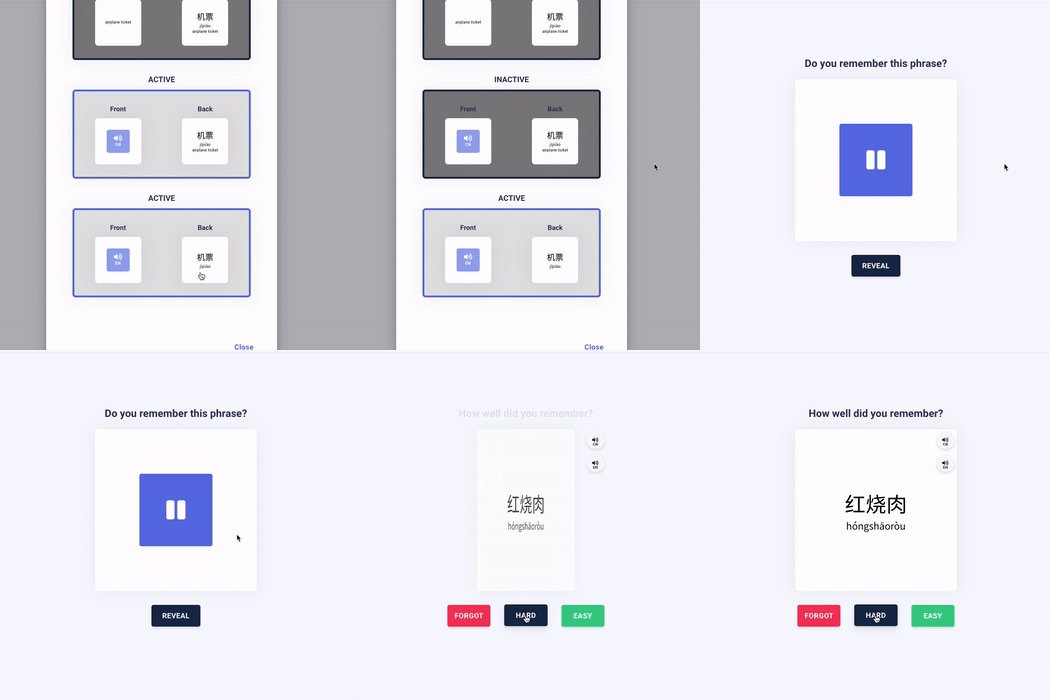
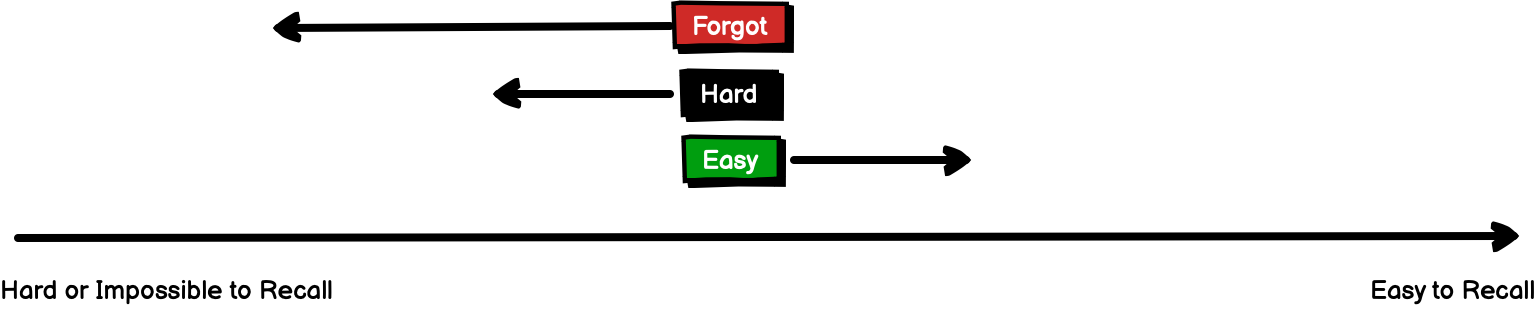
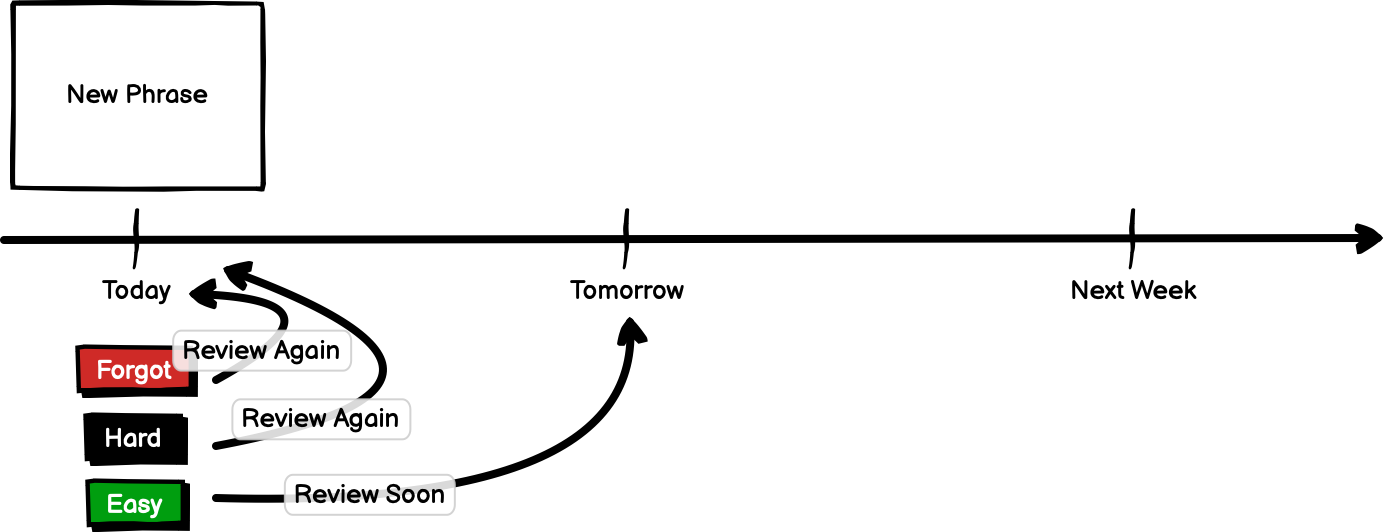
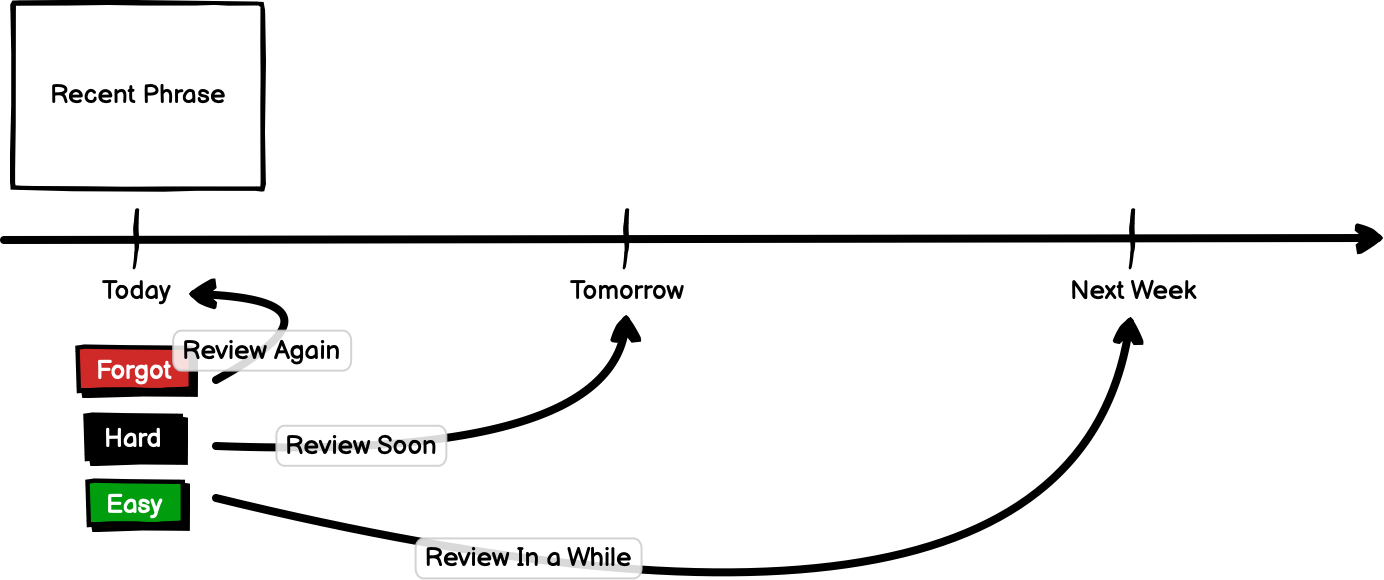
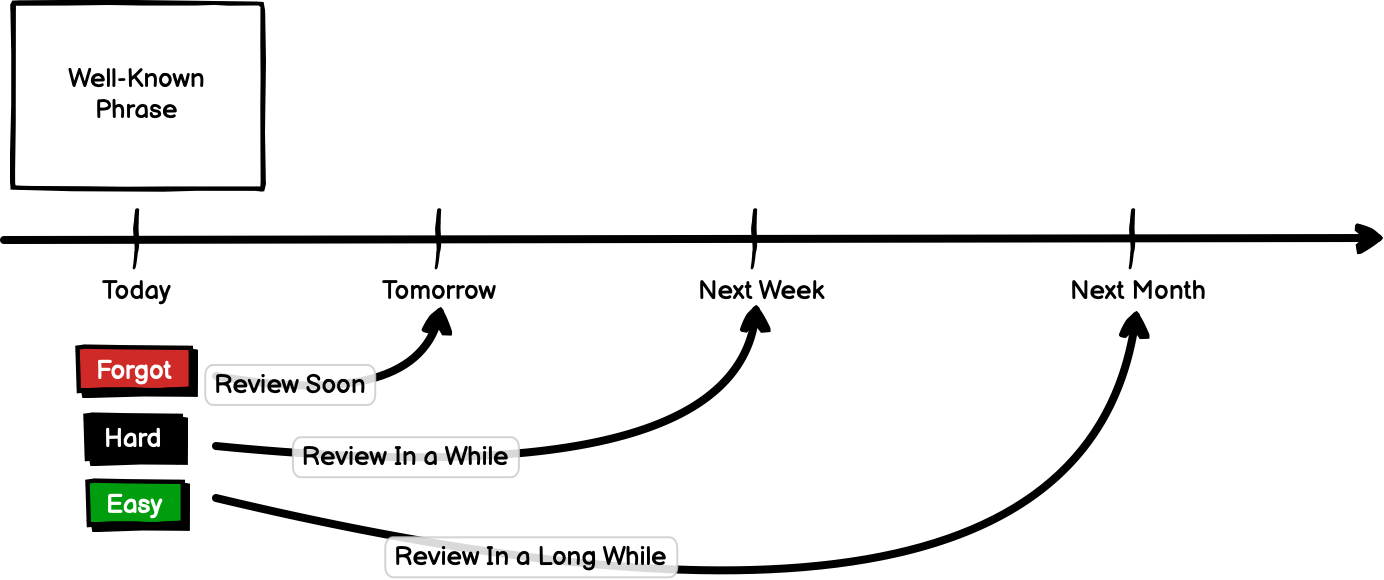
Regarding the flashcard functionality, it looks promising. Having just tried it, I would have the following comments and requests, to make it more useful.
Having listened to an audio/video lesson, it is natural to want to add the vocab for that lesson. I have just tried that with the last lesson I studied (“Choosing a Room”) in order to test it.
The downloads have the pdf of the dialogue and the vocabulary. But many of the key words of the vocabulary listed in the dialogue and the pdf (dachuangfang etc - the whole point of the lesson!) are not listed under the Vocabulary tab from where you can add words to your vocab/flashcards. So a lot of value is lost.
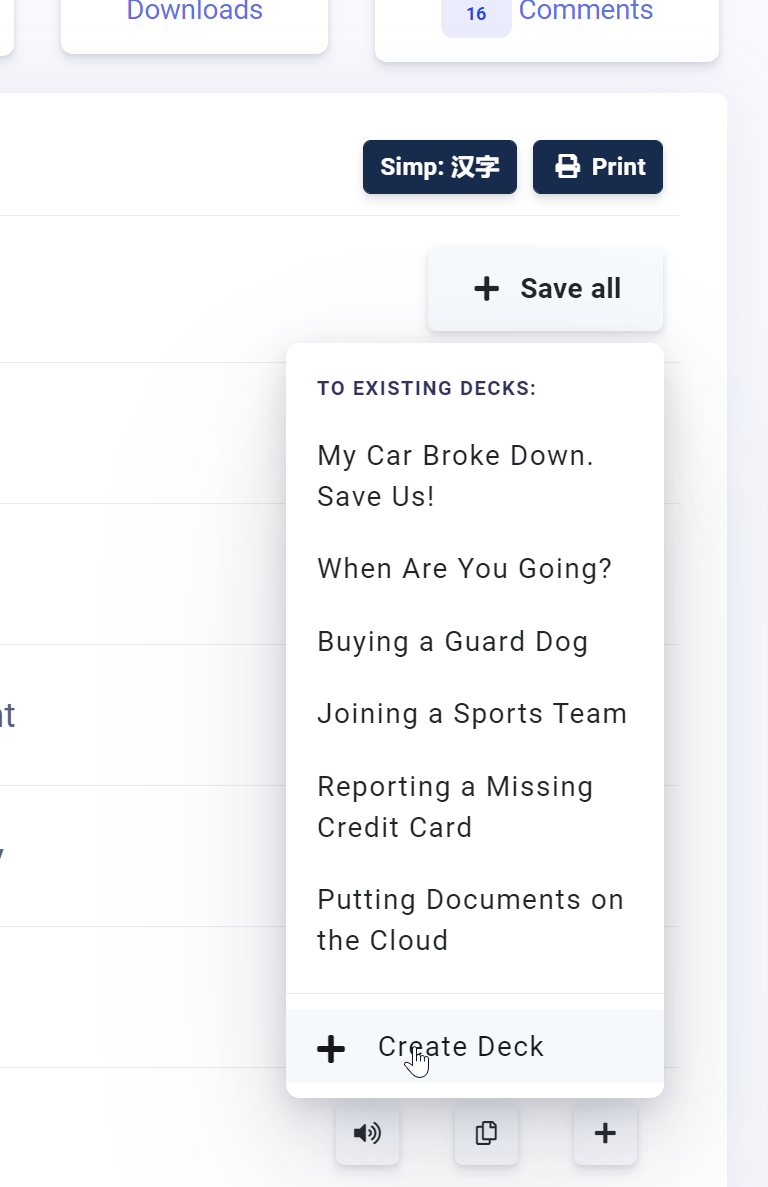
The easiest way to use this for the user would be to have the Save All Vocabulary button provide the opportunity to create a new deck in your Vocab with the name of the lesson. It seems this does not happen.
Then having got all these words into your Vocab, there is no way to Shift-select them to block select all of them and move them to a new deck, given you have to do that manually.
A lot of it comes down to the care with which the vocab list gets prepared for the purposes of the flashcard study. I know we are all different in this regard, but I do find it bizarre that somebody chose to highlight “and”, “le” and “de” as vocab items in this lesson (which I then have to manually exclude) rather than the room types!
Perhaps for subscribers you could be given the option under Downloads to download a spreadsheet with the pdf vocabulary words in it (Hanzi, Pinyin, Translation). This would be awesome because it allows quick edits and to flexibly build our own vocab for the lessons. I would do it this way if it was available.
Thanks
Chris










 )
)
